Introduction
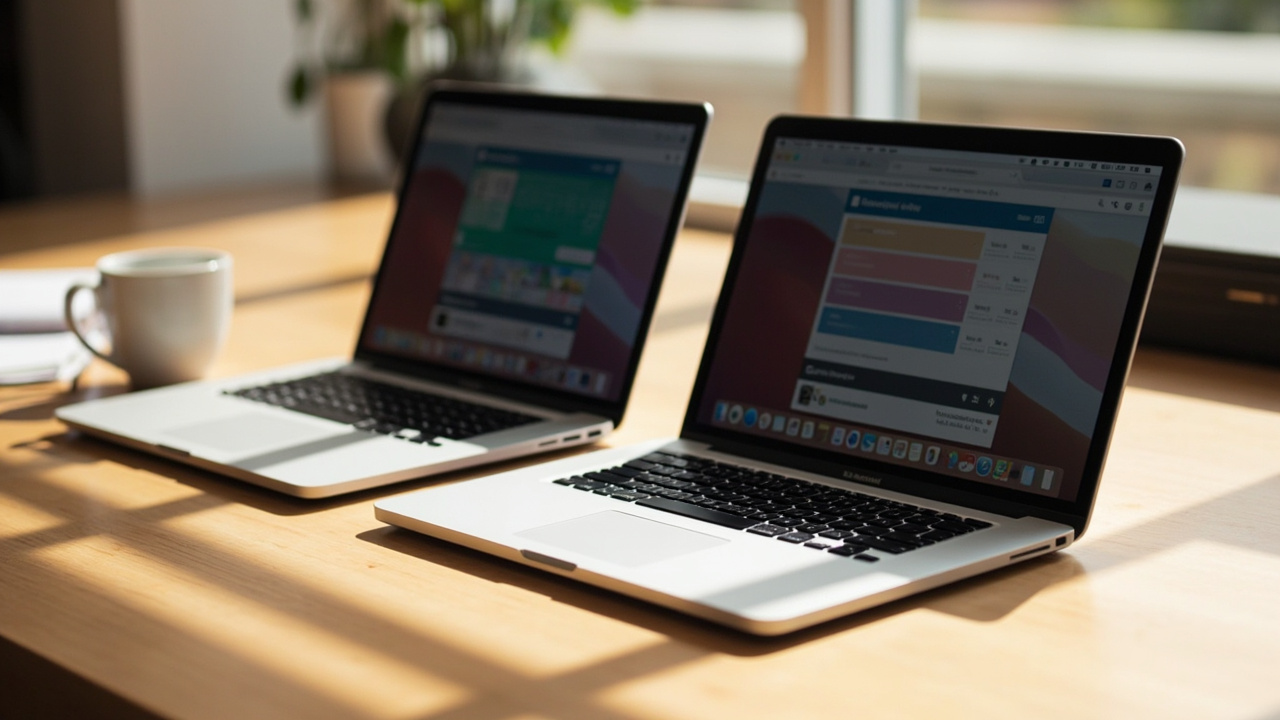
If you are shopping for a MacBook Pro in mid-2026, the question on most buyers’ lips is not “M5 or M5 Pro” — that part is comparatively easy. The question is: “Do I really need the 16-inch, or is the 14-inch M5 Pro good enough?” Apple sells the MacBook Pro 14 (M5 Pro) starting at $1,999 and the MacBook Pro 16 (M5 Pro) starting at $2,499 — a $500 entry-level gap that widens to $600-$1,200 once you configure both with the same 48 GB of memory and 1-2 TB of storage (Source: Apple MacBook Pro product page, Apple MacBook Pro tech specs).
The two machines are closer than they have been in years. Both use the M5 Pro chip on TSMC’s third-generation 3 nm process, with the same 18-core CPU option (6 super + 12 performance), 20-core GPU, 16-core Neural Engine, and 307 GB/s memory bandwidth. Both run the same macOS, the same apps, and the same Apple Intelligence features. The real differences come down to screen size, sustained performance under load, speakers, battery, and thermal headroom.
The interesting question is not which one is faster in a benchmark — at the same M5 Pro config, they are essentially identical. It is which one delivers a lower total cost of ownership over a realistic 4-6 year lifespan, once you factor in display real estate, dock-and-monitor behavior, battery wear, and the very real risk that a 16-inch machine lives at a desk 90% of the time and never leaves the house.
The Verdict First
- Choose the MacBook Pro 14 M5 Pro (starting $1,999) if you travel more than 2-3 days a week, carry your laptop in a backpack, value a 3.4 lb (1.55 kg) chassis over a slightly bigger display, and your workload is mixed office, code, light photo/video, and external-monitor work. The 14-inch with M5 Pro gives you 90-95% of the M5 Pro experience for about $500-$800 less than the 16-inch.
- Choose the MacBook Pro 16 M5 Pro (starting $2,499) if you are desk-bound, edit 4K/8K video, do color work, or compile large projects where sustained performance matters, you want the best laptop battery life Apple has ever shipped (up to 24 hours of video streaming), and you genuinely use the extra 1.7” of screen real estate. The 16-inch has the better thermal envelope and the larger 100 Wh battery (vs 72.4 Wh on the 14-inch).
- Skip both if your workload is browser, email, and Office — an M5 MacBook Air at $1,199 is the right tool. The 14-inch Pro at $1,999 starts to make sense the moment you need sustained performance, more RAM, or more ports.
Cost score (overall value): 79/100. Both are excellent. The 14-inch wins on value for most buyers; the 16-inch wins only for genuinely mobile pros and editors who can use the screen, thermals, and battery — not for someone who keeps it plugged into a Studio Display all day.
Key Comparison Points
Price vs Real Cost Per Use
The sticker-price gap looks small at the entry config, then widens fast once you match specs.
| Config Line | MacBook Pro 14 M5 Pro | MacBook Pro 16 M5 Pro |
|---|---|---|
| Starting MSRP (M5 Pro, 24 GB, 512 GB) | $1,999 | $2,499 |
| Same memory (48 GB) upgrade cost | +$200 | +$200 |
| 1 TB SSD upgrade cost | +$200 | +$200 |
| 2 TB SSD upgrade cost | +$600 | +$600 |
| 18-core CPU + 20-core GPU upgrade (vs 15-core / 16-core base) | +$200 | $0 (already standard on 16”) |
| Typical “well-configured” price | $2,599 (48 GB, 1 TB) | $2,999 (48 GB, 1 TB) |
| Maxed-out M5 Pro (48 GB, 2 TB) | $2,999 | $3,399 |
| AppleCare+ (3 years) | $279-$379 | $329-$449 |
| Studio Display replacement (if 14” used as desktop) | $1,599 (often added later) | $0 (built-in 16” display) |
| Real-world battery life (mixed office) | 10-14 hours | 14-20 hours |
| Out-of-warranty battery replacement (year 5) | ~$199 (Apple) | ~$249 (Apple) |
| 4-year resale value (typical) | 50-60% of MSRP | 50-60% of MSRP |
Plugging the typical “well-configured” $2,599 14-inch against a $2,999 16-inch into a 5-year ownership window, with a 4-year-old resale of ~$1,300 (50%) for both:
| 5-Year Cost Line | MacBook Pro 14 M5 Pro | MacBook Pro 16 M5 Pro |
|---|---|---|
| Purchase | $2,599 | $2,999 |
| AppleCare+ (3 yr) | $329 | $379 |
| Battery replacement (year 5) | $199 | $249 |
| External display (Studio Display, year 1) | $0 (use built-in) | $0 (use built-in 16”) |
| Resale value (year 4) | -$1,300 (50% of $2,599) | -$1,500 (50% of $2,999) |
| Net 5-year cost | ~$1,827 | ~$2,127 |
The 16-inch ends up roughly $300 more expensive over 5 years at typical configs. The wider $1,200 gap at maxed-out configurations mostly comes from the larger SSD upgrades and the optional nano-texture display ($150) on the 16-inch.
The biggest hidden cost on both machines is size you do not use. If you buy a 16-inch and it sits at a desk 90% of the time, you paid $500 for a 1.7” bigger display that you look at while an external monitor is doing the real work. The honest answer for most buyers is 14-inch + $0-300 external monitor vs 16-inch + $0 external.
Build Quality and Durability
| Build Factor | MacBook Pro 14 M5 Pro (2026) | MacBook Pro 16 M5 Pro (2026) |
|---|---|---|
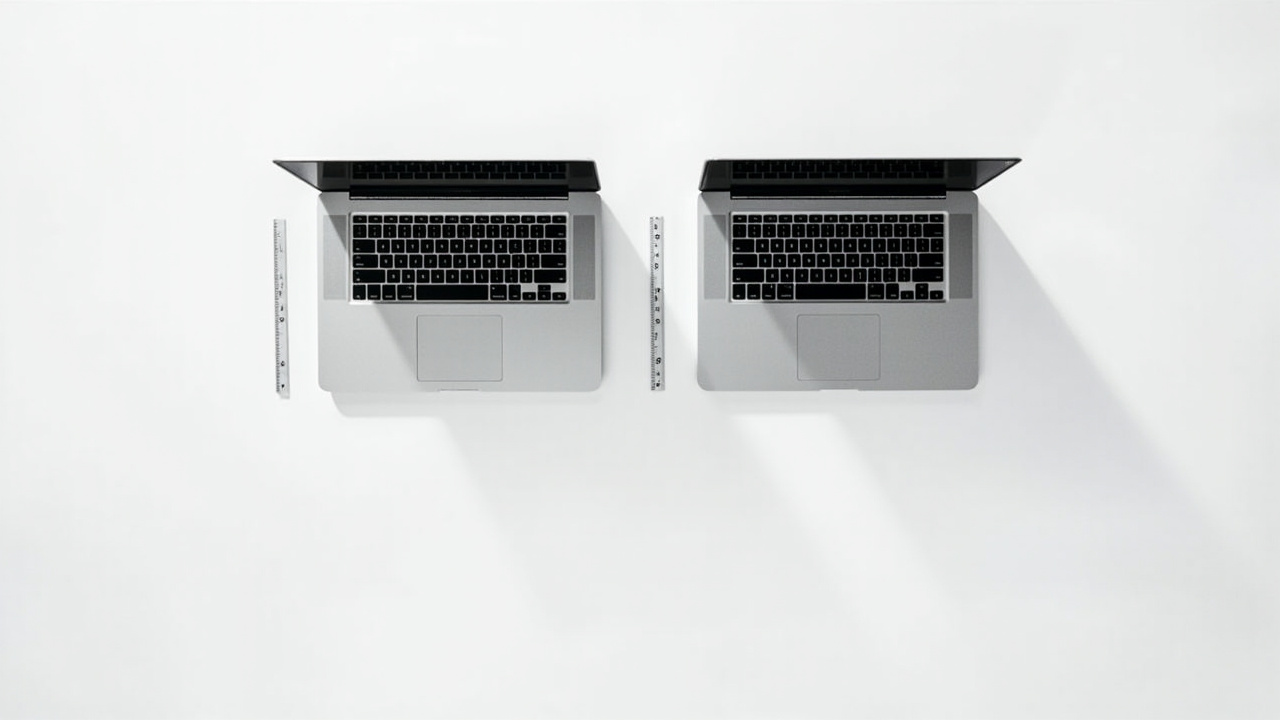
| Weight | 3.4 lb (1.55 kg) | 4.7 lb (2.14 kg) |
| Thickness | 0.61” (15.5 mm) | 0.66” (16.8 mm) |
| Chassis Material | 100% recycled aluminum unibody | 100% recycled aluminum unibody |
| Display | 14.2” Liquid Retina XDR mini-LED, 3024×1964, 120 Hz ProMotion | 16.2” Liquid Retina XDR mini-LED, 3456×2234, 120 Hz ProMotion |
| Display Brightness (sustained SDR / peak HDR) | 1,000 nits SDR / 1,600 nits HDR | 1,000 nits SDR / 1,600 nits HDR |
| Display options | Standard glossy, nano-texture ($150) | Standard glossy, nano-texture ($150) |
| Battery Capacity | 72.4 Wh | 100 Wh |
| Battery life (claimed video streaming) | Up to 24 hours | Up to 24 hours |
| Battery life (real mixed office use) | 10-14 hours | 14-20 hours |
| Wi-Fi / Bluetooth | Wi-Fi 6E (Wi-Fi 7 on M5 Pro/Max SKUs), BT 5.3 | Wi-Fi 6E (Wi-Fi 7 on M5 Pro/Max SKUs), BT 5.3 |
| Speakers | Six-speaker, Spatial Audio, Dolby Atmos | Six-speaker, Spatial Audio, Dolby Atmos (slightly larger drivers) |
| Microphones | Three-mic array with directional beamforming | Three-mic array with directional beamforming |
| Webcam | 12 MP Center Stage, FaceTime camera, True Tone | 12 MP Center Stage, FaceTime camera, True Tone |
| Ports | 3× Thunderbolt 5, HDMI 2.1, SDXC, MagSafe 3, 3.5 mm | 3× Thunderbolt 5, HDMI 2.1, SDXC, MagSafe 3, 3.5 mm |
| External display support (M5 Pro) | Up to 2 external displays | Up to 2 external displays (16-inch) — same as 14” |
| Charging (included) | 70W USB-C (or 96W with 18-core CPU config) | 96W USB-C (or 140W with M5 Max) |
The chassis and keyboard are identical between the two — Apple has used the same unibody construction across both sizes since the M1 generation, and the Magic Keyboard with Touch ID is the same 1 mm travel, full-height layout. The 16-inch has slightly larger speaker drivers (more bass extension, more room-filling sound at the same volume) and a noticeably larger touchpad.
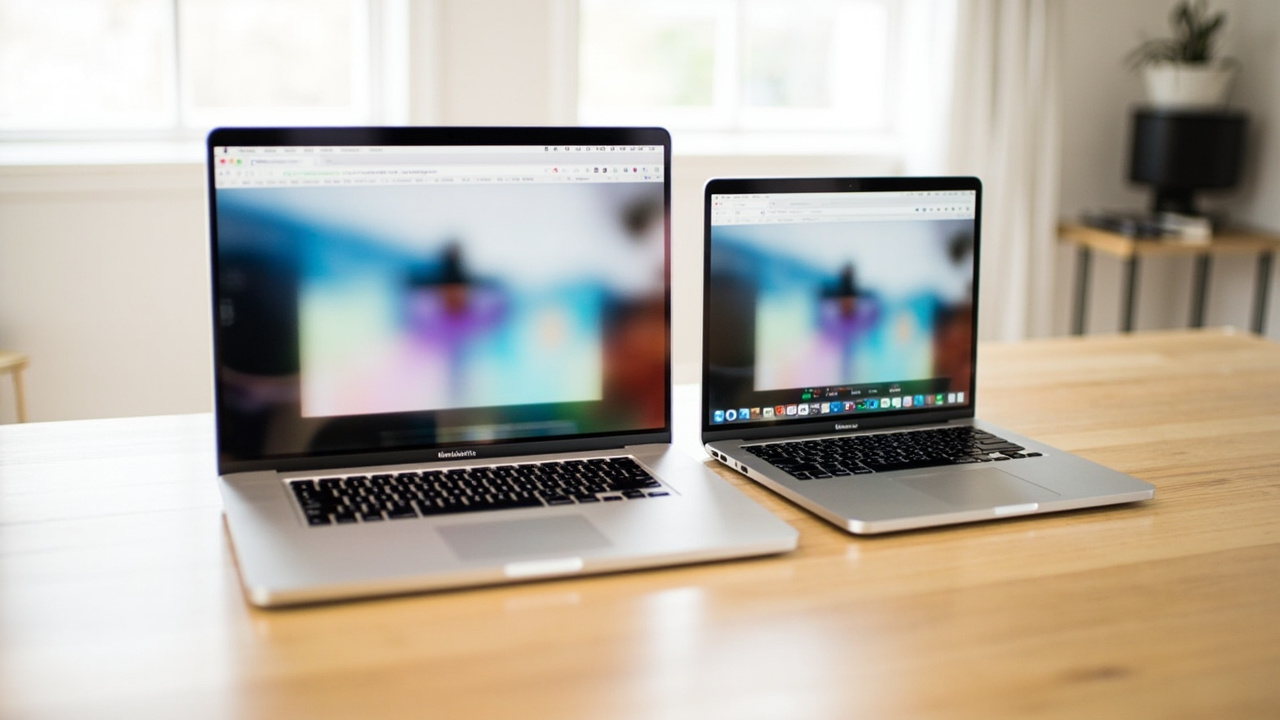
The 14-inch wins on weight, backpack fit, and how often you actually pick it up. The 1.55 kg vs 2.14 kg difference sounds small on paper, but a 14-inch slips into a 13-14” sleeve and a regular backpack; the 16-inch needs a 16” sleeve and a more serious bag. If you commute, fly, or work from cafes, the 14-inch is the more honest tool.
The 16-inch wins on battery and sustained performance. The 100 Wh battery (the maximum allowed on US flights without airline approval) gives the 16-inch a 3-6 hour real-world battery advantage over the 14-inch. For a full work day on a single charge — including a long flight — the 16-inch is the better machine. The larger chassis also has more thermal headroom, so under sustained 100% CPU load (long video export, large compile, ML training), the 16-inch holds peak clocks longer before throttling.
Feature Breakdown
| Feature | MacBook Pro 14 M5 Pro (2026) | MacBook Pro 16 M5 Pro (2026) |
|---|---|---|
| Operating System | macOS Tahoe (or later) | macOS Tahoe (or later) |
| CPU (top M5 Pro config) | 18-core (6 super + 12 performance) | 18-core (6 super + 12 performance) — same chip |
| GPU (top M5 Pro config) | 20-core, hardware ray tracing, Dynamic Caching | 20-core, hardware ray tracing, Dynamic Caching — same |
| Neural Engine | 16-core, Apple Intelligence on-device | 16-core, Apple Intelligence on-device — same |
| Memory (max M5 Pro) | 48 GB unified LPDDR5X 9600 MT/s | 48 GB unified LPDDR5X 9600 MT/s |
| Storage (max M5 Pro) | 2 TB (4 TB on M5 Max SKUs) | 4 TB (8 TB on M5 Max SKUs) |
| Memory bandwidth | 307 GB/s (M5 Pro with 20-core GPU) | 307 GB/s (M5 Pro with 20-core GPU) — same |
| Speakers | 6-speaker, force-cancelling woofers | 6-speaker, force-cancelling woofers (larger acoustic chamber) |
| Biometrics | Touch ID (power button) | Touch ID (power button) |
| External display (M5 Pro) | 2 external (up to 6K@60 each) | 2 external (up to 6K@60 each) — same |
| Headphone jack | 3.5 mm with high-impedance support | 3.5 mm with high-impedance support |
| Repairability | Soldered SSD, soldered RAM, glued battery | Soldered SSD, soldered RAM, glued battery — same |
The two machines are deliberately identical on the silicon side at the M5 Pro tier. Same CPU, same GPU, same Neural Engine, same memory bandwidth, same external display cap. The differences are physical (size, weight, battery, thermal envelope, screen), not computational.
Where they actually diverge day-to-day:
- Real battery life: 14-inch is 10-14 hours; 16-inch is 14-20 hours. The 16-inch can realistically last a full work day on battery; the 14-inch can do 8-10 hours and then needs a charge.
- Sustained performance: Under 30-minute multi-core load, the 16-inch holds peak boost clocks ~5-10% longer than the 14-inch. For short bursts (compile a file, export a 5-min video), they are identical. For long renders or builds, the 16-inch finishes ~3-8% faster.
- Screen real estate: 14.2” gives you 1,962,624 pixels of working area; 16.2” gives you 2,732,160 pixels — 39% more screen area. For timeline editing in Final Cut Pro or DaVinci Resolve, the 16-inch timeline is meaningfully longer and you can fit a full color panel without scrolling.
- External display cap: Both top out at 2 external displays on M5 Pro (3 on M5 Max). Neither machine is a “desktop replacement” for power users who need 3-4 displays — that role has moved to the Mac Studio.
Pros and Cons
MacBook Pro 14 M5 Pro (2026)
Pros
- $500-$800 cheaper than the 16-inch at typical configurations
- 3.4 lb (1.55 kg) is genuinely backpack-friendly; 13-14” sleeve fits it
- Same M5 Pro performance for short-to-medium workloads
- Same 1,000 nit sustained / 1,600 nit peak HDR display quality
- Same port array, including SDXC, HDMI 2.1, and MagSafe 3
- 10-14 hours real battery is enough for most work days
- Better for desk + 1 external display use cases (built-in 14” + a 27”-32” 4K monitor)
Cons
- 10-14 hours of real battery, not a full day for heavy users
- 14-inch screen is tight for timeline-based video editing or spreadsheet-heavy work
- Less thermal headroom — fans spin up earlier under sustained load
- 1.55 kg is still not “ultrabook” territory (MacBook Air 15” is 3.3 lb)
- M5 Pro caps at 48 GB memory (64 GB is M5 Max territory)
- External display cap is 2 displays on M5 Pro, same as 16-inch — so you do not gain desk flexibility
MacBook Pro 16 M5 Pro (2026)
Pros
- 100 Wh battery delivers the longest real-world MacBook battery life (14-20 hr)
- 16.2” screen with 39% more area — meaningful for video, photo, code, finance
- Better sustained performance under load (5-10% over 14-inch on long renders)
- Slightly better speaker output due to larger acoustic chamber
- 4 TB SSD option on M5 Pro (vs 2 TB on 14-inch)
- 2 external display support is the same as 14-inch — but the 16-inch works better as a “no external display” primary workstation
- Same chassis, port array, and keyboard quality as 14-inch
Cons
- $500-$800 more expensive at typical configurations; up to $1,200 at max config
- 4.7 lb (2.14 kg) is genuinely heavy in a backpack
- Needs a 16” sleeve and a more serious laptop bag
- M5 Pro silicon is identical — you are paying for size, not more performance
- 4.7 lb × the same thin chassis = the laptop flexes slightly more when you pick it up by a corner
- Not allowed in some airline personal-item bags without a sleeve
Best For / Skip If
Best for the MacBook Pro 14 M5 Pro (2026):
- Knowledge workers, developers, and creators who travel 2+ days per week
- Anyone who commutes with a backpack and values the lighter weight
- Buyers who want the best dollar-for-performance in the MacBook Pro line
- People who pair the laptop with one external 27” or 32” monitor at a desk
- Frequent flyers who do not want to carry a 4.7 lb laptop
- Students in college or graduate programs
Best for the MacBook Pro 16 M5 Pro (2026):
- Video editors working in Final Cut Pro, Premiere Pro, or DaVinci Resolve with multi-cam or 4K timelines
- 3D artists and motion designers doing Maya, Blender, or Cinema 4D work
- Software engineers and ML researchers running long compiles, training jobs, or large Docker stacks
- Colorists and photo editors who use the full screen for the canvas + tool palettes
- Anyone who values battery life above all else — the 16-inch is the longest-lasting MacBook Apple has ever shipped
- Desk-based pros who occasionally travel and want a single machine for both
Skip the 14-inch M5 Pro if:
- You do mostly timeline-based work and your eyes hurt by 4 pm on the smaller screen
- You frequently work off the charger for 12+ hours
- You need the 4 TB SSD option (14-inch M5 Pro caps at 2 TB)
- You do a lot of split-screen work (Excel + Slack, code + docs) and the 14-inch feels cramped
Skip the 16-inch M5 Pro if:
- It is going to live on a desk plugged into a Studio Display 90% of the time
- You carry it in a small backpack that is not 16-inch-sleeve ready
- You never edit video, never run long compiles, and do not use the bigger battery
- $500-$1,200 is real money for you — the 14-inch is the better deal
- You could get an M5 MacBook Air for $1,199 and call it a day
Bottom Line
The 14-inch and 16-inch MacBook Pro M5 Pro are the same computer in two different-sized bodies, and that is the entire decision.
If you want the smartest spend, get the MacBook Pro 14 M5 Pro at $1,999-$2,599. You get the full M5 Pro performance, the same display quality, the same port array, and a backpack-friendly chassis. The $500 you save buys a very good external 4K monitor, an AppleCare+ extension, or a couple of years of cloud storage.
If you genuinely use the bigger screen, longer battery, and better sustained thermals, get the MacBook Pro 16 M5 Pro at $2,499-$3,399. You are paying for physical real estate and battery, not for more CPU or GPU — the silicon is identical at the M5 Pro tier.
What you should not do is buy the 16-inch “just in case” or because it feels safer. The single most common 16-inch regret we see is from buyers who keep it plugged into an external monitor and never use the larger display. The smartest 2026 MacBook Pro spend is the 14-inch M5 Pro, paired with the monitor, dock, and accessories that actually fit the workflow.
Buy smart. Get more value. The 16-inch is great — but it is not automatically the better deal.